This Thailand e-Visa guide explains how the system allows applicants to submit visa applications entirely online, eliminating the need to visit an embassy or consulate in person in many cases. The system has expanded steadily since its launch and now covers several visa categories across dozens of countries.
This guide explains how the Thai e-Visa works, which visas you can apply for online, and walks you through the full application process from account creation to approval.
What Is the Thailand e-Visa?
The Thai e-Visa is an electronic visa application system operated by the Ministry of Foreign Affairs. Instead of mailing your passport or visiting an embassy counter, you upload documents, pay fees, and receive your visa approval through an online portal.
Quick Facts
| Detail | Information |
|---|---|
| Official portal | thaievisa.go.th |
| Launched | 2019 (expanded in phases) |
| Visa delivered as | Electronic authorization linked to passport number |
| Passport submission | Still required at some consulates for visa sticker |
| Application fee | Varies by visa type (paid online) |
| Processing time | 5 to 15 business days (standard) |
| Available 24/7 | Yes, submit any time; processed during business hours |
Important Distinction
The e-Visa is not the same as a visa on arrival or visa exemption. It is a standard visa that you apply for in advance, but through a digital process rather than a paper-based one. You still need to meet all normal requirements for the visa type you are requesting.
Which Visas Are Available Through the e-Visa System?
Not every Thai visa category is available online. The following types are commonly offered through the e-Visa portal, though availability depends on which Thai embassy or consulate serves your country of residence.
Visa Types on the e-Visa Portal
| Visa Type | Code | Typical Use |
|---|---|---|
| Tourist Visa | TR | Tourism stays beyond visa exemption |
| Special Tourist Visa | STV | Extended tourism (up to 270 days) |
| Non-Immigrant B | Non-B | Business and employment |
| Non-Immigrant ED | Non-ED | Education and study |
| Non-Immigrant O | Non-O | Family, retirement, volunteer work |
| Non-Immigrant O-A | Non-O-A | Long-stay retirement (1 year) |
| Transit Visa | TS | Short transit through Thailand |
| Destination Thailand Visa | DTV | Digital nomads and remote workers |
Checking Availability for Your Location
Visa availability varies by consulate. When you create your e-Visa account and select your country and the embassy that serves your jurisdiction, the portal will display only the visa types available to you. If a visa type is not listed, you must apply through traditional channels at that specific embassy.
Which Countries Can Use the e-Visa System?
The e-Visa system is available to applicants in most countries where Thailand has diplomatic representation. As of 2026, the system covers applicants applying through Thai embassies and consulates in over 40 countries, including:
- United States, Canada, United Kingdom, Australia, New Zealand
- Most European Union member states
- Japan, South Korea, Singapore, China
- India, UAE, Saudi Arabia
- South Africa, Brazil, Russia
The list continues to expand. Check the official portal for the most current list of participating embassies.
Step-by-Step Application Process
Step 1: Create an Account
Visit thaievisa.go.th and register for a new account.
- Use a valid email address you check regularly — all communications come by email
- Set a strong password
- Verify your email through the confirmation link
- Complete your user profile with personal details matching your passport exactly
Step 2: Start a New Application
After logging in, click "Apply for Visa" or the equivalent button on your dashboard.
- Select the Thai embassy or consulate that serves your area
- Choose the visa type you are applying for
- Select single or multiple entry if the option is available
- Confirm your travel dates
Step 3: Fill in the Application Form
The online form mirrors the traditional paper application. You will need to provide:
- Personal details — Full name as on passport, date of birth, nationality
- Passport information — Passport number, issue date, expiry date, issuing authority (ensure your passport meets minimum requirements)
- Travel details — Intended arrival date, departure date, accommodation address in Thailand
- Employment details — Current employer, position, salary (or retired/student status)
- Previous visits — History of travel to Thailand
- Contact in Thailand — Hotel name and address, or name and address of a Thai contact
- Emergency contact — A contact person in your home country
Tip: Fill in every field carefully. The system may reject your application if required fields are incomplete or if information does not match your uploaded documents.
Step 4: Upload Required Documents
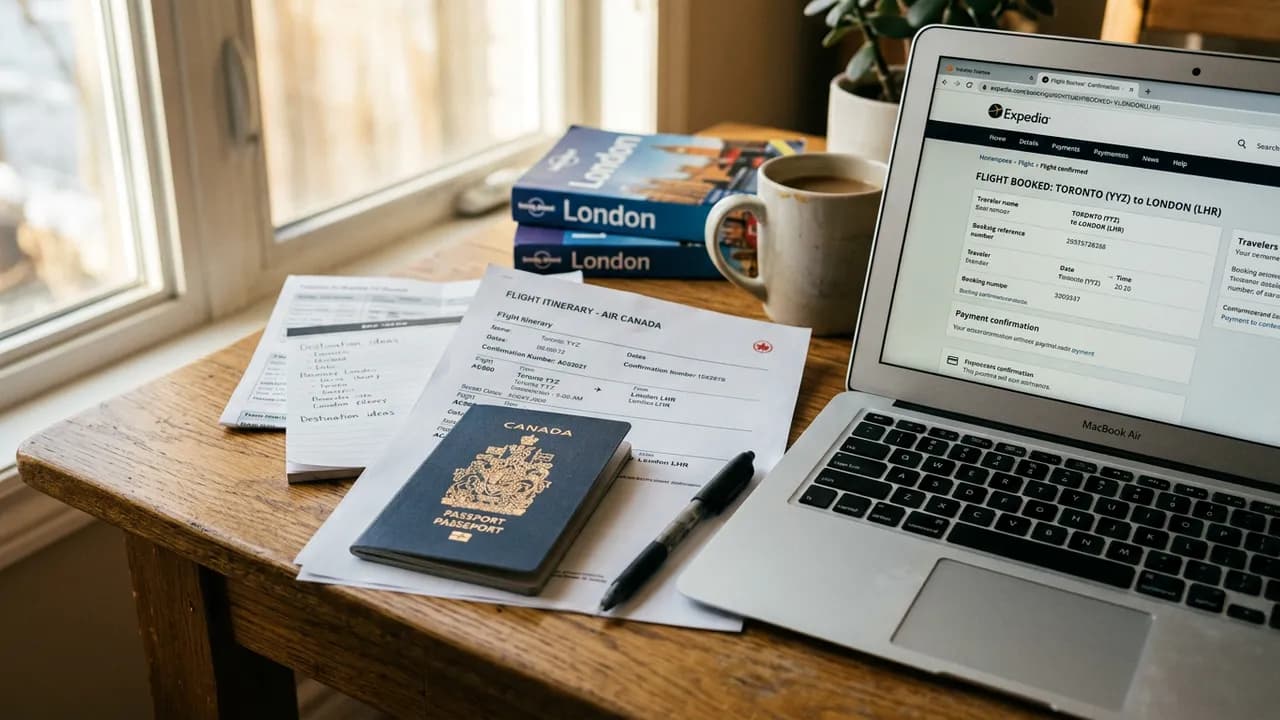
You will be prompted to upload scanned copies of your supporting documents. Common requirements include:
| Document | Format | Size Limit |
|---|---|---|
| Passport bio page | PDF or JPEG | 5 MB |
| Passport photo | JPEG | 2 MB |
| Flight itinerary | 5 MB | |
| Hotel booking | 5 MB | |
| Bank statements | 5 MB | |
| Additional documents | PDF or JPEG | 5 MB per file |
Document Upload Tips
- Scan documents in color for best results
- Ensure text is legible and not blurry
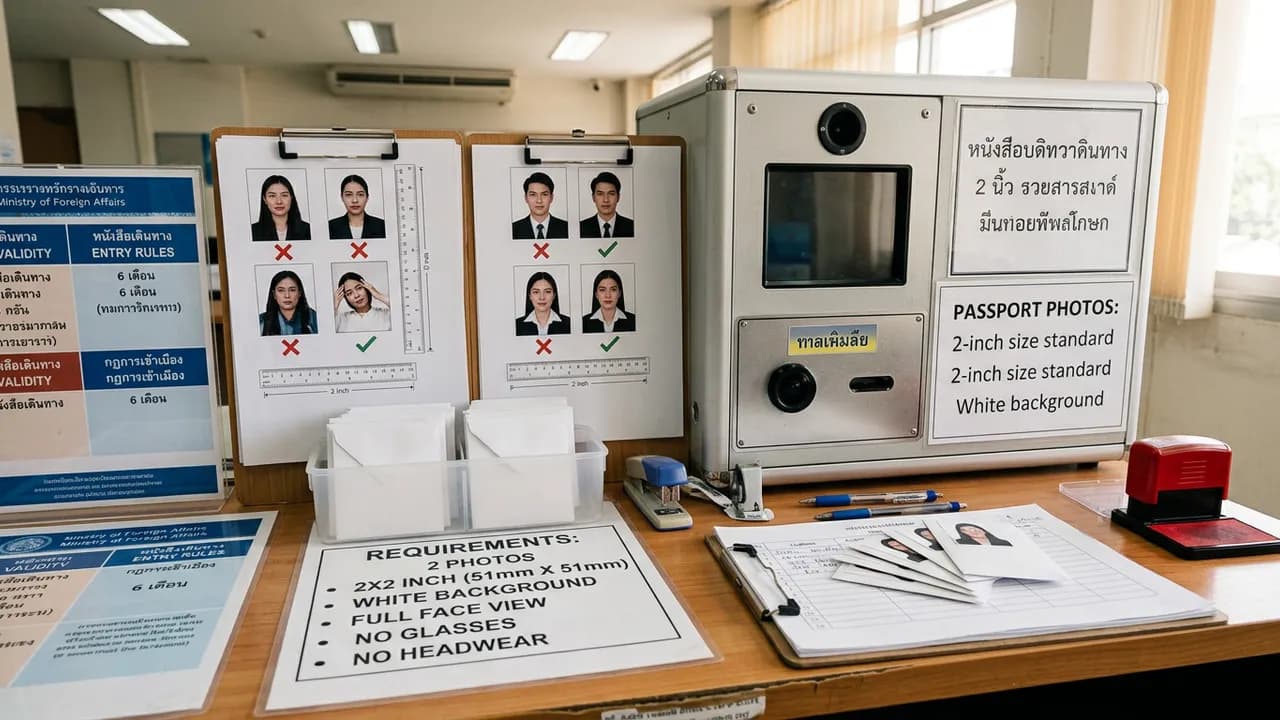
- Passport photo must meet Thai visa photo specifications (4x6 cm, white background)
- Name files clearly (e.g., "passport_bio_page.pdf") to avoid confusion
- If a document has multiple pages, combine them into a single PDF
Step 5: Review and Submit
Before final submission:
- Review every field for accuracy
- Check that all uploaded files are the correct documents
- Verify that your passport number is entered correctly
- Confirm the embassy selection is correct for your jurisdiction
Once submitted, you cannot edit the application. If you discover an error, you may need to withdraw and start a new application.
Step 6: Pay the Visa Fee
After submission, you will be directed to the payment page.
| Visa Type | Approximate Fee |
|---|---|
| Tourist Visa (single entry) | 1,000 THB (~$28) |
| Tourist Visa (multiple entry) | 5,000 THB (~$140) |
| Non-Immigrant B (single) | 2,000 THB (~$57) |
| Non-Immigrant O/O-A | 2,000 THB (~$57) |
| Transit Visa | 800 THB (~$23) |
Payment methods typically include credit card (Visa, Mastercard) and sometimes bank transfer. The exact options depend on the consulate.
Note: Fees are non-refundable, even if the visa is denied.
Step 7: Wait for Processing
Processing times vary but generally fall within these ranges:
| Scenario | Estimated Time |
|---|---|
| Standard processing | 5 to 15 business days |
| Peak season (Nov to Feb) | Up to 20 business days |
| Additional documents requested | Add 5 to 10 business days |
| Consulate-specific delays | Varies |
You can track your application status by logging into your e-Visa account. Statuses typically include: Submitted, Under Review, Approved, or Denied.
Step 8: Receive Your e-Visa
If approved, you will receive an email notification. Log into the portal to download your e-Visa approval letter.
- Print the approval letter and carry it when traveling
- Some consulates require you to send your passport for a physical visa sticker — the portal will specify this
- The e-Visa is electronically linked to your passport number, but having a printed copy avoids issues at check-in and immigration
Common Errors and How to Avoid Them
Many e-Visa applications encounter preventable problems. Here are the most frequent issues.
Application Errors
| Error | How to Avoid |
|---|---|
| Name mismatch | Enter your name exactly as it appears on your passport |
| Wrong embassy selected | Choose the embassy that has jurisdiction over your area of residence |
| Expired passport photo | Use a photo taken within the last 6 months |
| Incomplete form fields | Double-check every section before submitting |
| Wrong visa type selected | Research which visa fits your purpose before starting |
Document Upload Errors
- File too large: Compress PDFs or reduce image resolution before uploading
- Wrong format: Convert documents to the accepted format (PDF or JPEG)
- Blurry scans: Rescan at a higher resolution (300 DPI recommended)
- Missing pages: Combine multi-page documents into one file
- Password-protected PDFs: Remove password protection before uploading
Payment Errors
- Card declined: Try a different card or contact your bank to authorize international payments
- Session timeout: Complete payment promptly after submission to avoid losing your session
- Double charge: Contact the consulate with your transaction ID if charged twice
After Approval: Using Your e-Visa
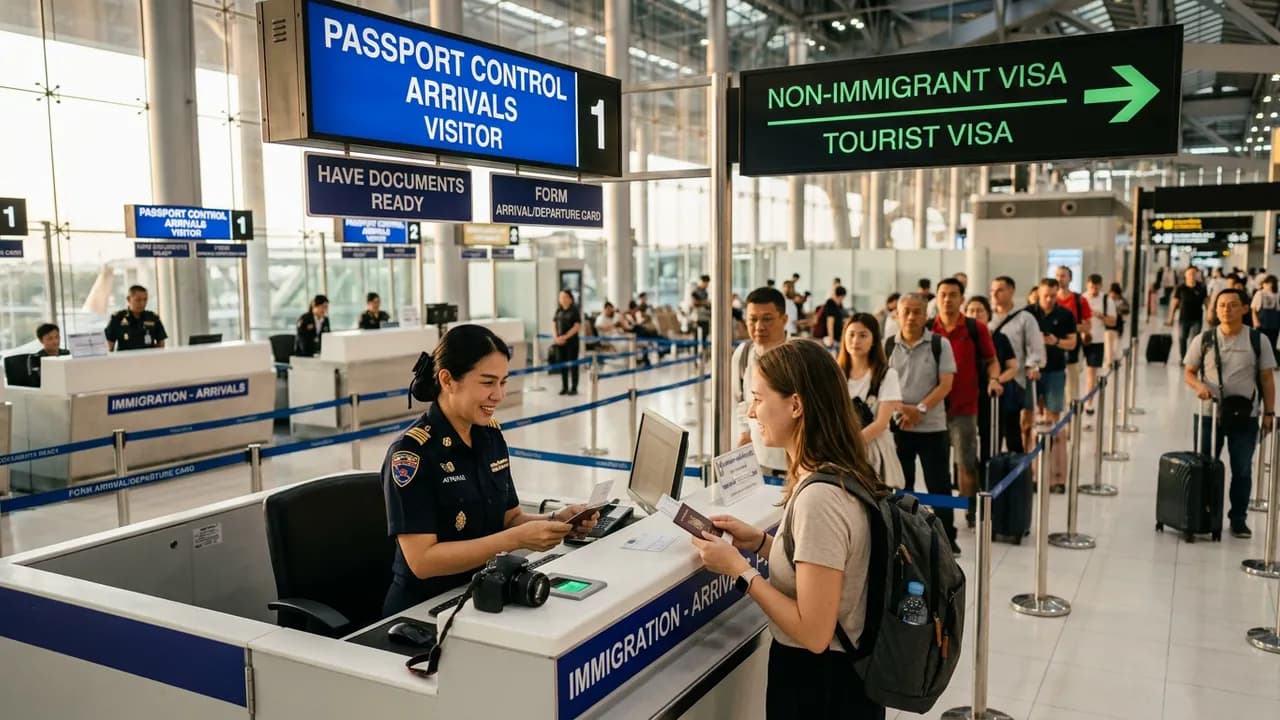
When you arrive in Thailand with an e-Visa:
- Present your passport at the immigration counter
- Show your printed e-Visa approval letter if requested
- The immigration officer will verify the electronic record linked to your passport
- You will receive an entry stamp with the permitted stay period
- Keep the departure card stapled into your passport
Your permitted stay begins from the date you enter Thailand, not from the visa approval date. The visa itself has a validity window (typically 3 months) during which you must enter Thailand.
e-Visa vs. Traditional Embassy Application
| Factor | e-Visa | Traditional |
|---|---|---|
| Convenience | Apply from anywhere with internet | Must visit embassy in person |
| Processing visibility | Track status online | Limited visibility |
| Document handling | Upload digital copies | Submit physical originals |
| Passport mailing | Sometimes required | Always required |
| Speed | Similar processing times | Similar processing times |
| Fee | Same as standard visa fee | Same as standard visa fee |
| Availability | Limited to participating embassies | All embassies |
Troubleshooting
- Cannot create account: Check that your email is not already registered, try Chrome, disable VPN or ad blockers, and clear your browser cache.
- Application stuck on "Under Review": Do not submit duplicate applications. If it has been more than 20 business days, contact the embassy by email. Check your spam folder.
- Passport mailing required: Some consulates require you to mail your passport for a physical visa sticker. Use a trackable courier and include a prepaid return envelope.
Frequently Asked Questions
Can I apply for a Thai e-Visa while I am in Thailand?
No. You must apply for the Thai e-Visa from outside Thailand, through the embassy or consulate that has jurisdiction over your country of residence. The portal is built for applicants abroad, and you cannot use it to change or extend your status while already in the country. If you are already in Thailand, handle extensions and changes of visa type at a local immigration office instead.
What are the Thai e-Visa photo requirements?
Upload a recent passport-style photo taken within the last six months: 4x6 cm, plain white background, full face, no glasses or head covering (except for religious reasons). Save it as a JPEG under 2 MB. Most rejected uploads fail because the photo is older than six months, uses a colored or busy background, or exceeds the file-size limit. See our full photo requirements for the exact specs.
Why can't I upload my photo to the Thai e-Visa portal?
Photo uploads usually fail for one of four reasons: the file is larger than 2 MB, it is in the wrong format (use JPEG, not PNG or HEIC), the image dimensions do not match the 4x6 cm ratio, or the portal flags the photo as older than six months. Resize and compress the image, convert it to JPEG, and re-take it against a plain white background if the system still rejects it. Disabling your VPN and clearing the browser cache resolves many upload errors.
How long does the Thai e-Visa take to process?
Standard processing is 5 to 15 business days. During peak season (November to February) it can stretch to 20 business days, and applications that trigger a request for extra documents take 5 to 10 days longer. Apply at least 30 days before your travel date to leave room for delays.
How much does the Thai e-Visa cost?
Fees are paid online and depend on the visa type: a single-entry tourist visa is about 1,000 THB ($28), a multiple-entry tourist visa about 5,000 THB ($140), and Non-Immigrant B, O, and O-A visas about 2,000 THB (~$57). Fees are non-refundable even if your application is denied. See our full Thailand visa costs breakdown for every visa type.
Can I submit PDF documents for the Thai e-Visa?
Yes. Supporting documents such as your passport bio page, flight itinerary, hotel booking, and bank statements can be uploaded as PDFs (up to 5 MB each). The passport photo itself must be a JPEG. Combine multi-page documents into a single PDF and remove any password protection before uploading.
The dates on my approved e-Visa look wrong. What should I do?
Check the difference between the visa validity window and your permitted stay first. The validity window (typically 3 months) is the period during which you must enter Thailand; your actual permitted stay is counted from the day you enter, not from the approval date. If a genuine error appears in your name, passport number, or entry dates, contact the issuing embassy by email immediately with your application reference — do not travel on an incorrect e-Visa.
Final Thoughts
The Thai e-Visa system has made visa applications significantly more accessible for travelers worldwide. While the process is straightforward, success depends on accurate information, properly formatted documents, and patience during processing. Start your application well in advance of your travel date — at least 30 days — to allow time for processing and any follow-up requests from the consulate.
For first-time applicants, the e-Visa portal is often the easiest path to obtaining a Thai visa without the hassle of an in-person embassy visit.